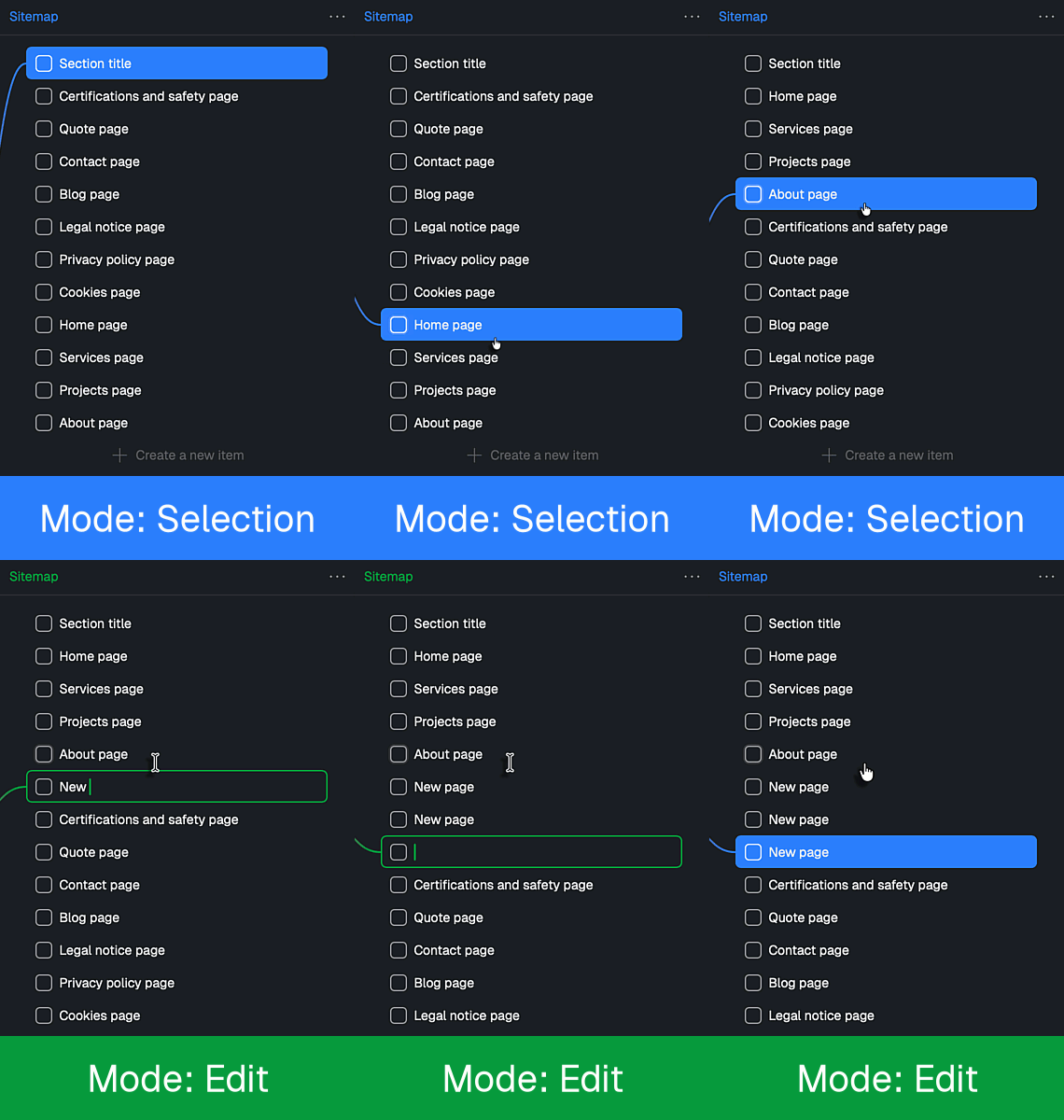
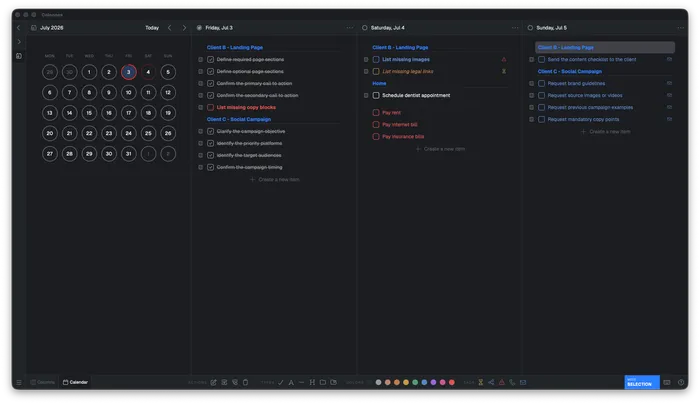
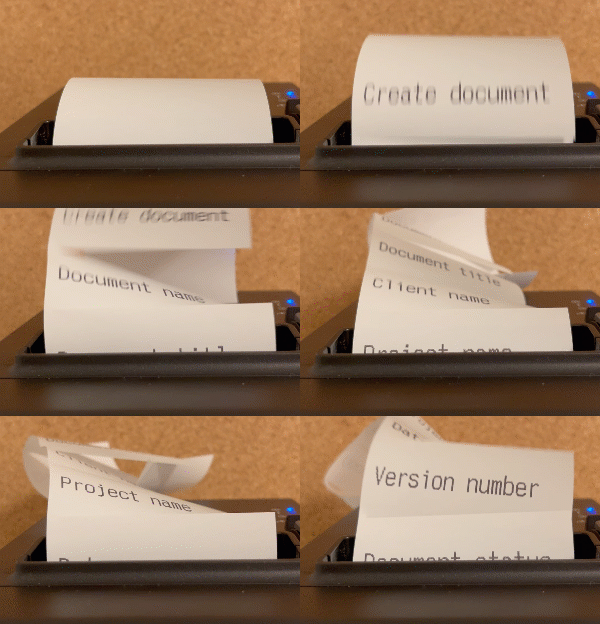
Let us put this into practice with a task: paying bills.
View this interactive demo in the online article:
https://www.colonnes.com/make-your-tasks-as-easy-as-playing-a-video-game
Even though the task list has become longer, the underlying work has not changed. Only its shape has. We have only broken it down into atomic tasks. Each task is quick and well-defined. Each one is easy to start, because no single line is too big on its own.
The order also makes every step ready-to-go: when you reach "Pay the internet bill," you already have the bill in your hand, thanks to the step before, "Find the internet bill for this month." You are less likely to be blocked by a missing prerequisite.
The first atomic task is much easier to start. The following atomic tasks give you frequent feedback and a constant sense of progress. That keeps you going.
Make the feedback physical
Checking a box on a screen is feedback, but you can make it much stronger. Write each atomic task on a sticky note or a small piece of paper. Keep the current note in front of you. This improves visibility and makes the task hard to ignore. When the task is done, crumple the note into a ball: you feel it in your hands, you hear it, and it feels far more real than any checkbox.
Then drop the ball of paper into a clear jar. The growing pile is your progress, real and easy to see.
If the work feels boring, add time pressure with a timer or a Pomodoro session. There is no need to estimate the remaining time precisely: choose a duration that feels slightly challenging. Whether or not you finish before the timer ends does not matter; the goal is to add another layer of motivation. But be careful: if the timer makes you anxious, or if you work in a place where hurrying could be dangerous, skip it.
Protocol
Use this protocol when you are procrastinating on a task, or when you want to make a repetitive task more engaging.
- Break the task down into atomic tasks, and write each one on a sticky note or a piece of paper.
- Choose a slightly challenging duration and start a time-pressure timer.
- Keep only the current task in front of you to maintain visibility.
- When you finish a task, crumple its note into a ball and drop it into the jar.
- Take the next task and repeat until it is done.
If you still resist starting, the first task is not atomic yet. Break it down again.
How Colonnes applies the method
You do not need software to use this method. Paper is enough. But you may procrastinate on the method itself: writing every atomic task on a sticky note is time-consuming and boring. That is why I looked for a digital way to apply it. I could not find anything satisfactory, so I decided to create my own app: Colonnes ("columns" in French).
Colonnes is not here to replace your calendar or your company's project-management tool. It comes at the end of the process, when you need to turn a project or task into real work. Colonnes follows a three-step workflow:
The Organize and Plan steps are where you create your atomic tasks and decide when to work on them. The Execute step puts the other four principles into practice: feedback, progress, time pressure, and visibility.
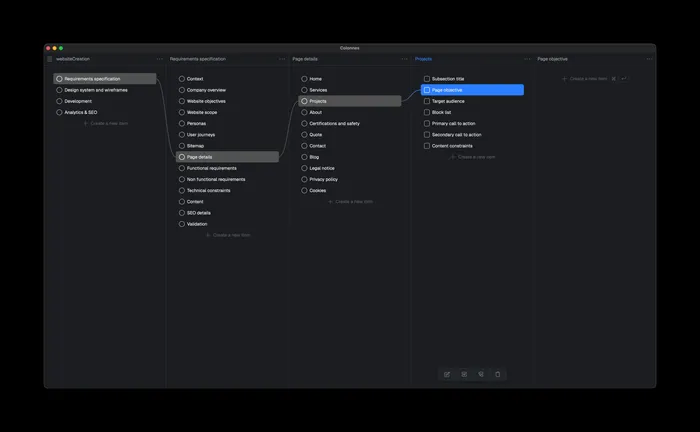
View this screenshot in the online article:
https://www.colonnes.com/make-your-tasks-as-easy-as-playing-a-video-game
1. Organize
To make atomic tasks practical, you need an easy way to take an overwhelming task and break it down into smaller atomic tasks. To do this, you need to create levels of tasks and subtasks. The usual way to display them is a tree view. But when you have many tasks, the tree becomes an enormous list.
Creating tasks must also be fast. You should not have to fill in a form with ten fields for every new task.
Colonnes solves the first problem with a system called Miller columns. If you have used a Mac, you already know this layout from the macOS Finder: each level appears in a separate column. Click a folder to show its tasks in the column on the right. You can still see the higher levels for context, but the child tasks of closed folders stay hidden.
Here is a small example of a traditional task tree with three levels: